If you’re searching for laptops with best battery life, chances are you’re done believing marketing numbers. You buy a “long-lasting” laptop, you feel safe… and then you’re back to hunting for outlets by lunch. The truth is simple: battery life only matters when it survives your day—classes across campus, remote work in cafés, long flights, commutes, back-to-back meetings, or just a weekend where you don’t want to carry a charger everywhere.
This guide is built around tested, real-world battery results, not wishful spec sheets. We’re using two types of independent testing: RTINGS (web browsing + video playback) and 91mobiles (PCMark 10 Battery Video Loop), plus Reddit as a reality check for the usual “why doesn’t mine last like the box says?” conversations.
TL;DR: Top Picks by Use Case (tested)
- Best overall longevity (macOS): MacBook Pro 14 (M4, 2024) — 15.7h web / 13.3h video (RTINGS).
- Best Windows “all-day” (ARM): Surface Laptop 7th Edition 15 (2024) — 17.0h web / 16.4h video (RTINGS).
- Windows marathon champ (ARM): ASUS Vivobook S16 (S3607QA) — 26h 18m (PCMark video loop, 91mobiles).
- Business travel (ARM): HP EliteBook Ultra G1q — 20h 02m (PCMark video loop, 91mobiles).
- Ultra-light travel (ARM): ASUS Zenbook A14 (UX3407) — 19h 57m (PCMark video loop, 91mobiles).
- Convertible that actually lasts: ASUS Vivobook 14 Flip (TP3407SA) — 23h 25m (PCMark video loop, 91mobiles).
- Best value x86 Windows option: Acer Swift Go 14 (2024) — 11.4h web / 10.7h video (RTINGS).
- Enterprise endurance (x86): Lenovo ThinkPad X9 15 Aura Edition (2025) — 15.2h web / 18.8h video (RTINGS).
- Tight budget / simple needs: Lenovo IdeaPad Slim 3i Chromebook 14 (2023) — 13.3h web / 12.3h video (RTINGS).
What “best laptops battery life” really means (and why tests differ)
Battery life numbers can be wildly different depending on the test:
- Web browsing tests are usually the closest match for students and office workflows (Docs, Slack, email, lots of tabs).
- Video playback / video loop tests are great proxies for travel days—think downloaded movies, long flights, or background media.
RTINGS runs scripted battery tests (including web browsing and video playback) so results are comparable across many models.
91mobiles uses PCMark 10’s Battery Video Loop with consistent settings (Balanced mode, ~80% brightness, no sleep/battery saver) to keep comparisons fair across platforms.
Use this quick rule:
- If your day is browser + calls + documents, trust web-browsing hours first.
- If your day is offline media + long stretches away from power, video loop numbers become more relevant.
The best laptops with long battery life by real-world scenario
1) Best overall: MacBook Pro 14 (M4, 2024)
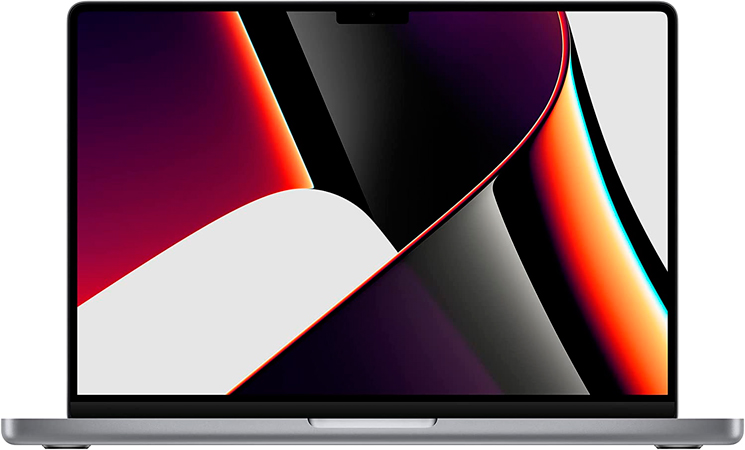
If you want the safest “no-anxiety” choice, this is it. RTINGS measured 15.7 hours of web browsing and 13.3 hours of video playback on the base M4 configuration.
It’s not just endurance—this is the kind of laptop that stays fast on battery, stays quiet, and doesn’t make you babysit power settings. For creators, it’s also the easy pick If you’re doing heavier work (editing, audio, big projects) but still want genuine portability.
Best for: work + study + creative tasks on the go
Why it wins: consistently high real battery life + premium experience
Cheaper/lighter alternative: MacBook Air (M4, 2025) lasts less in RTINGS testing (12.3h web / 11.9h video), but it still covers a full day for many students.
2) Best “Windows laptop with best battery life” for school/office: Surface Laptop 7th Edition 15 (2024)
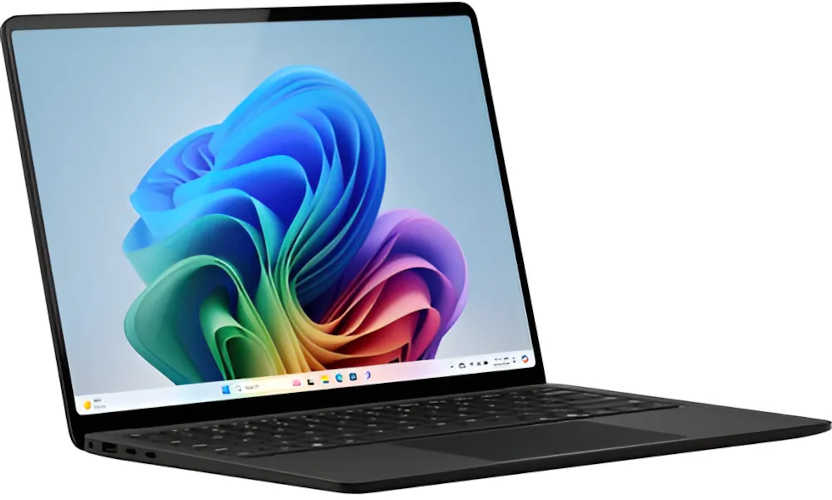
If your life runs on Microsoft 365, Teams, and the browser, the 15-inch Surface Laptop 7th Edition is a standout. RTINGS measured 17.0 hours web and 16.4 hours video—numbers that genuinely feel “all day” without tricks.
One important note: Windows on ARM can still have app quirks (especially with older or niche software), so it’s worth double-checking your must-have tools. RTINGS also flags that some apps may not work or may perform poorly through emulation.
Best for: students, office workflows, remote work
Why it wins: elite endurance for real daily use
3) Travel-day monster: ASUS Vivobook S16 (S3607QA)
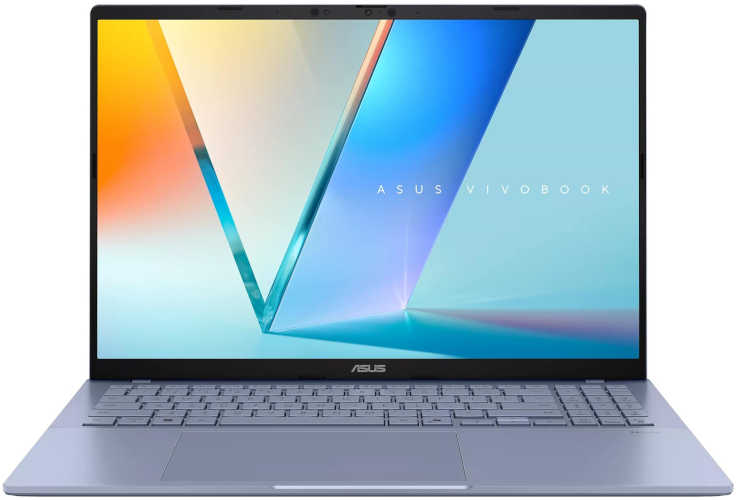
This one is ridiculous—in a good way. 91mobiles measured 26 hours and 18 minutes in PCMark 10’s Battery Video Loop test, calling it their highest result recorded.
For long flights, conferences, or “I’ll be away from outlets all day” situations, this is the kind of laptop you buy to stop thinking about battery altogether.
Best for: travel marathons, long study sessions, media-heavy days
Why it wins: the biggest tested runtime in this list
4) Business laptops with long battery life: HP EliteBook Ultra G1q
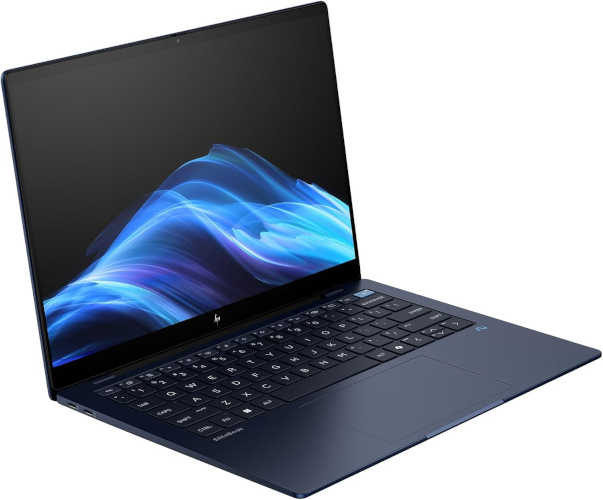
For a meeting-heavy schedule, the EliteBook Ultra G1q is built for mobility. 91mobiles measured 20 hours and 2 minutes in their PCMark video loop test and highlights its cool, quiet operation for productivity.
Best for: business travel, presentations, long workdays away from desk
Why it wins: endurance + business-first design
5) The ultra-light commuter pick: ASUS Zenbook A14 (UX3407)
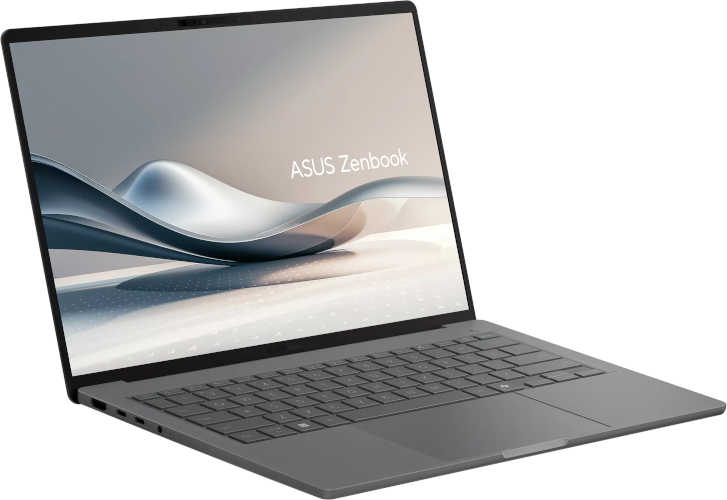
If you want something that disappears in a backpack but still lasts forever, the Zenbook A14 posted 19 hours and 57 minutes in 91mobiles’ testing.
Best for: commuters, frequent flyers, “light bag” setups
Why it wins: portability + real endurance
6) 2-in-1 that doesn’t die by noon: ASUS Vivobook 14 Flip (TP3407SA)
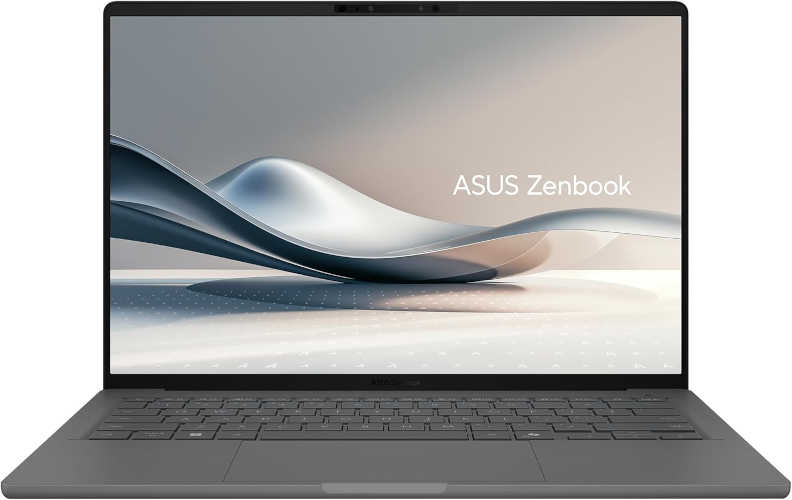
Convertibles often sacrifice battery… except this one. 91mobiles measured 23 hours and 25 minutes in the PCMark video loop test, which is exceptional for a 14-inch 2-in-1.
Best for: note-taking, classes, couch mode, mixed media
Why it wins: rare combo of flexibility + marathon battery
7) Enterprise endurance (x86): Lenovo ThinkPad X9 15 Aura Edition (2025)
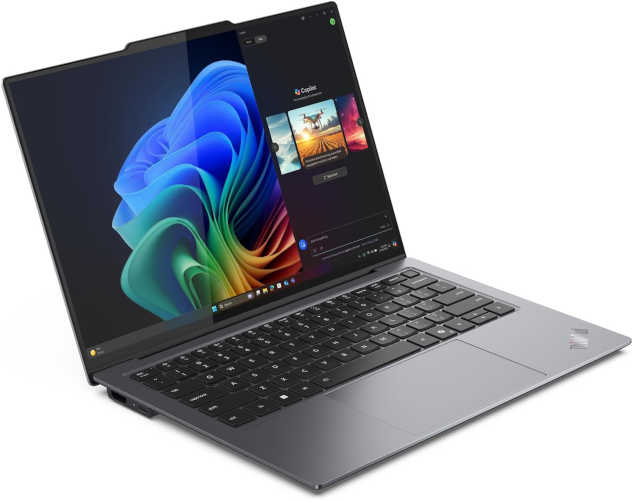
Need a more traditional business laptop experience but still want big battery numbers? RTINGS measured 15.2 hours web browsing and 18.8 hours video playback on the ThinkPad X9 15 Aura Edition.
Best for: business travelers, heavy typists, “reliable work machine” buyers
Why it wins: excellent RTINGS results + business-friendly design
9) Best on a tight budget: Lenovo IdeaPad Slim 3i Chromebook 14 (2023)
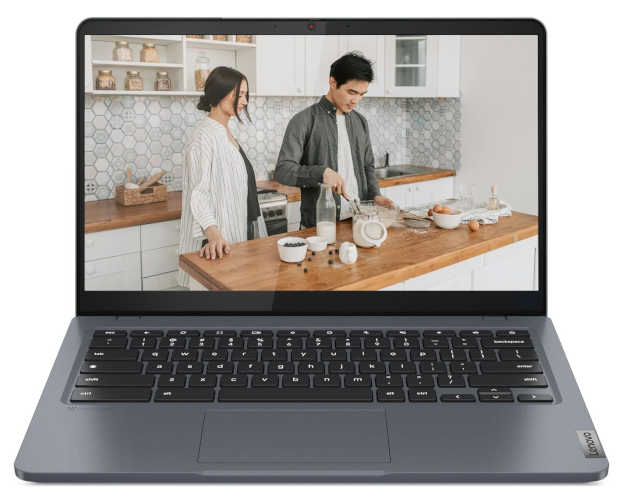
For writing, web apps, and school basics, this Chromebook keeps things simple and lasts. RTINGS measured 13.3 hours web and 12.3 hours video.
Best for: students, families, basic productivity
Why it wins: strong endurance without spending much
Quick comparison table (tested battery life)
| Model | Platform | Tested battery life | Best for | Source / test |
|---|---|---|---|---|
| MacBook Pro 14 (M4, 2024) | macOS | 15.7h web / 13.3h video | best all-around | RTINGS (web + video) |
| Surface Laptop 7th Ed. 15 (2024) | Windows on ARM | 17.0h web / 16.4h video | school/office all-day | RTINGS (web + video) |
| ASUS Vivobook S16 (S3607QA) | Windows on ARM | 26h 18m | travel marathons | 91mobiles (PCMark video loop) |
| ASUS Vivobook 14 Flip (TP3407SA) | Windows (x86/Intel) | 23h 25m | 2-in-1 endurance | 91mobiles (PCMark video loop) |
| HP EliteBook Ultra G1q | Windows on ARM | 20h 02m | business mobility | 91mobiles (PCMark video loop) |
| ASUS Zenbook A14 (UX3407) | Windows on ARM | 19h 57m | ultra-light travel | 91mobiles (PCMark video loop) |
| ThinkPad X9 15 Aura (2025) | Windows (x86) | 15.2h web / 18.8h video | enterprise + travel | RTINGS (web + video) |
| Acer Swift Go 14 (2024) | Windows (x86/Intel) | 11.4h web / 10.7h video | value pick | RTINGS (web + video) |
| IdeaPad Slim 3i Chromebook 14 (2023) | ChromeOS | 13.3h web / 12.3h video | budget basics | RTINGS (web + video) |
Buyer’s checklist: how to shop battery life without getting burned
- Match the test to your day. Web browsing ≈ school/office reality; video loop ≈ travel/media reality.
- Plan for screen drain. High brightness and high refresh rates chew battery fast—especially on bright, white web pages.
- ARM vs x86 matters. Windows on ARM can be unbelievably efficient, but check your must-have apps (and any specialty drivers).
- Be extra skeptical with gaming laptops. Even when brands promise “all-day,” real users regularly report short unplugged runtimes—especially when the dGPU is involved.
- Battery capacity (Wh) is not a guarantee. Efficiency comes from the whole system: CPU, display, tuning, and software behavior.
Practical tips to stretch battery life (without ruining your laptop)
- Set a brightness ceiling for indoors and let auto-brightness do the rest.
- Lower refresh rate when unplugged if your laptop supports it (it can make a noticeable difference).
- Use your browser’s efficiency/sleeping tabs features and close “always-on” apps you don’t need.
- Keep firmware and drivers updated. Power tuning improves over time on many laptops.
- Watch for stealth drains (RGB apps, updaters, unnecessary startup items, heavy cloud sync).
FAQs
How many hours is “good” battery life in real use?
For school/office, 10–12 hours of web browsing is a solid floor. 14–17 hours is excellent. Above that is exceptional and usually tied to specific platforms and testing conditions.
Do Windows on ARM laptops really last longer?
Often, yes—especially for light productivity and video. Just confirm app compatibility first.
Are spec-sheet numbers trustworthy?
Treat them as best-case lab scenarios. Real users routinely point out the fine print and the gap between marketing and normal usage.
Conclusion
Picking laptops with best battery life in 2026 is about one thing: tested endurance that matches your day, not a headline number on a box. If you’re in the Apple ecosystem, the MacBook Pro 14 (M4) remains the safest “buy it and stop worrying” option. If you want Windows laptops with best battery life, ARM-based machines like the Surface Laptop 7th Edition 15 or the marathon-level Vivobook S16 can feel like cheating—in the best way. And if you’re staying on x86 for compatibility, models like the ThinkPad X9 15 Aura and Acer Swift Go 14 prove you can still get a strong, dependable day away from the charger.